
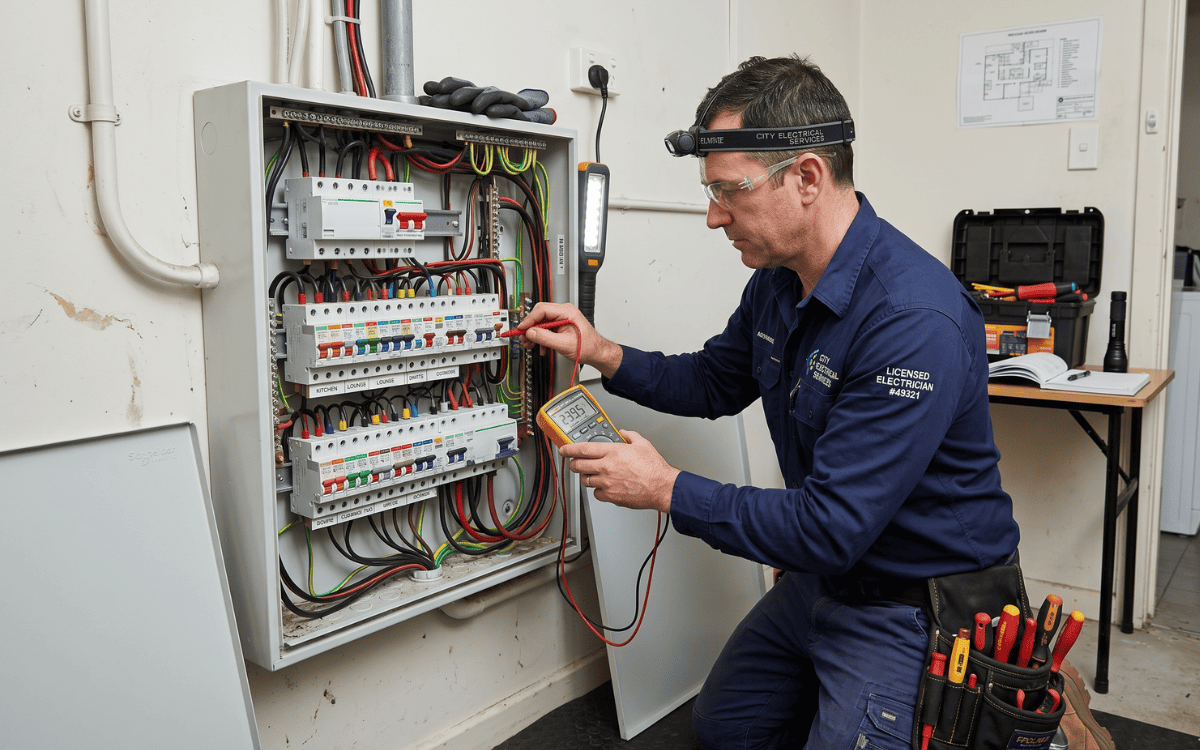
Knowing how many power points do I need in a room is crucial for comfort, safety, and future-proofing your home or office. In 2026, Australian households rely on multiple devices, from TVs and computers to kitchen appliances and chargers. Dr Lightning explains how to determine the correct number of power points, where to place them, and the Australian standards to follow for safe, efficient installations.
Why the Right Number of Power Points Matters
Underestimating your power point requirements can lead to:
- Excessive use of extension cords, which can be a fire hazard
- Inconvenient appliance placement
- Overloaded circuits causing breaker trips
Conversely, installing too many unnecessary outlets increases installation costs. Getting the balance right ensures efficiency, safety, and convenience.
Factors That Influence Power Point Requirements
Several factors affect how many power points are needed in a room:
- Room Function: Bedrooms, kitchens, offices, and living areas all have different requirements.
- Number of Appliances: Consider TVs, computers, lamps, phone chargers, heaters, and kitchen appliances.
- Furniture Layout: Power points should be near desks, beds, and seating areas for practicality.
- Future-Proofing: Plan for additional devices as technology needs grow.
- Australian Standards Compliance: Follow AS/NZS 3000 regulations, including placement distances and circuit limitations.
Dr Lightning advises planning with both current and anticipated needs in mind to avoid costly retrofits later.
Typical Power Point Requirements by Room
Australian standards and practical experience suggest the following ranges:
| Room Type | Typical Power Points | Notes |
|---|---|---|
| Bedroom | 4–6 | Include points near bed, desk, and entertainment units |
| Living Room | 6–8 | Consider TV, lamps, phone chargers, gaming consoles |
| Home Office | 6–10 | Include computers, printers, monitors, chargers |
| Kitchen | 8–12 | Power-hungry appliances require dedicated circuits |
| Dining Room | 2–4 | Mainly for occasional appliance use |
| Bathroom | 2 | Must be GPOs with safety switches, positioned away from water |
These numbers provide a baseline for safe and practical installations, following both comfort and compliance guidelines.
Example Calculations
- Small Bedroom (12 m²): Two bedside lamps, one desk lamp, phone charger → 4 power points recommended.
- Medium Living Room (25 m²): TV, sound system, floor lamp, charging station → 6–8 power points.
- Home Office (15 m²): Desktop computer, printer, monitor, lamp, laptop charger → 6–8 points.
Dr Lightning notes that high-tech households with multiple devices may need even more outlets for convenience.
Placement Tips for Optimal Functionality
Correct placement is as important as quantity. Consider:
- Height: 300–400 mm above floor for general use; higher for kitchen bench appliances.
- Distance: Avoid clustering outlets too closely to prevent overloading circuits.
- Accessibility: Ensure points are easily reachable but away from water hazards.
- Furniture: Plan points near intended appliance locations to avoid trailing cords.
In kitchens, dedicated circuits are required for high-power appliances like microwaves, ovens, and dishwashers. Bathrooms also have special requirements for safety with residual current devices (RCDs) to prevent electrocution.
Power Point Types and Safety Considerations
Choosing the right type ensures safety and usability:
- Standard GPOs: General-purpose outlets for regular appliances.
- USB-Integrated Points: Ideal for charging devices without adapters.
- Weatherproof Outlets: For outdoor rooms or wet areas.
- Safety Switch Protection: Essential for bathrooms, kitchens, and outdoor outlets.
Dr Lightning recommends consulting a licensed electrician to verify that your room design complies with AS/NZS 3000 and local building regulations.
Tips to Reduce Costs Without Compromising Functionality
- Plan ahead: Include future devices in your count to avoid retrofitting.
- Combine circuits: Group low-power outlets on the same circuit where safe.
- Use multi-outlet furniture strategically: Reduces the need for extra wall outlets in some spaces.
- Professional installation: Ensures compliance and avoids hazards, reducing long-term costs.
Proper planning balances functionality, safety, and installation budget.
When to Call a Professional
Consult Dr Lightning when:
- Adding multiple outlets in older homes
- Planning high-load circuits for kitchens or offices
- Installing outlets in wet or outdoor areas
- You are unsure about compliance with Australian electrical standards
Professional installation guarantees safety, long-lasting functionality, and peace of mind. DIY installation of power points is not recommended, especially for high-load or wet-area applications.
Conclusion
Knowing how many power points do I need in a room helps ensure comfort, safety, and efficiency in your home or office. Consider room function, number of appliances, furniture layout, and Australian standards when planning your electrical outlets. Typical rooms require 4–12 power points, depending on size and usage. Dr Lightning recommends planning ahead, consulting a licensed electrician, and including both current and future needs. Properly placed and sufficient power points improve convenience, prevent hazards, and future-proof your home for modern electrical demands.
FAQ
Q1: How many power points are required in a bedroom?
Typically 4–6, positioned near beds, desks, and entertainment areas.
Q2: Do kitchens need more outlets than other rooms?
Yes, kitchens usually require 8–12, including dedicated circuits for high-power appliances.
Q3: Can I install power points myself?
DIY is not recommended. Use a licensed electrician to ensure compliance with Australian standards and safety.
Q4: Should I plan for future devices?
Yes. Adding extra outlets during initial installation avoids costly retrofits later.
